Most schools arrive here from paper registers, a spreadsheet, or software that does one part of the job. This page sets out plainly what changes, what it costs, and where we are not the right answer.
This is where most schools are starting from — and a spreadsheet is genuinely fine until two people need it at once.
| The job | Paper / Excel | Wisdsol Edu Advance |
|---|---|---|
| Fee balances | Recalculated by hand each term. A parent asking "what do I owe?" means someone opening a ledger. | ✓ Balance is current the moment a payment is entered, and the parent can see it themselves. |
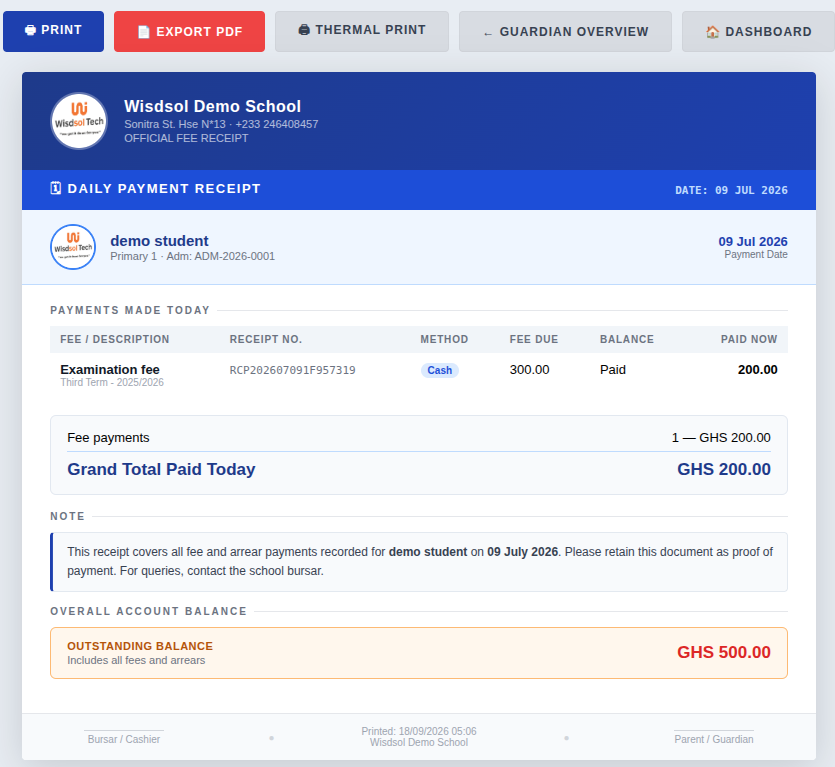
| Receipts | A duplicate book. Finding last term's receipt means going through the pile. | ✓ Printed or thermal receipt, searchable by name, date or receipt number. |
| Two people at once | ✗ One file, one person. Copies get emailed and the versions diverge. | ✓ Everyone works on the same records at the same time. |
| If the file is lost | ✗ A corrupted file or a stolen laptop can cost a year's records. | ✓ Held on the server, not on one person's computer. |
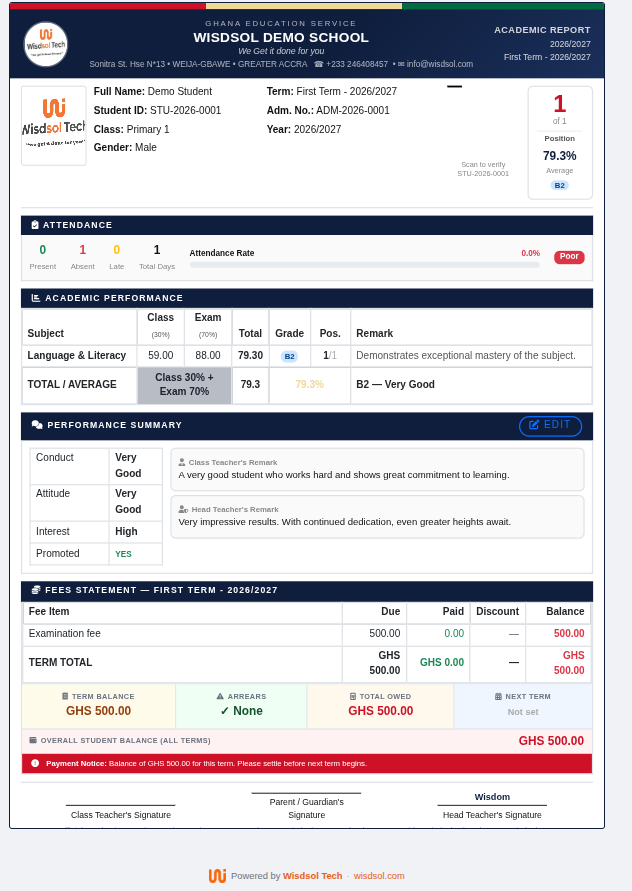
| Report cards | Typed one at a time, with averages and positions worked out by hand. | ✓ A whole class printed at once, with averages, position and remarks calculated. |
| Honest answer | Costs nothing and needs no training. | ~ Costs money and takes a week or two to settle in. Worth it above roughly 60–80 pupils; below that a spreadsheet may genuinely be enough. |
Plenty of products record students, fees and results. The difference shows up in the parts a school only discovers it needs once it is already using them.
| Capability | Typical basic package | Wisdsol Edu Advance |
|---|---|---|
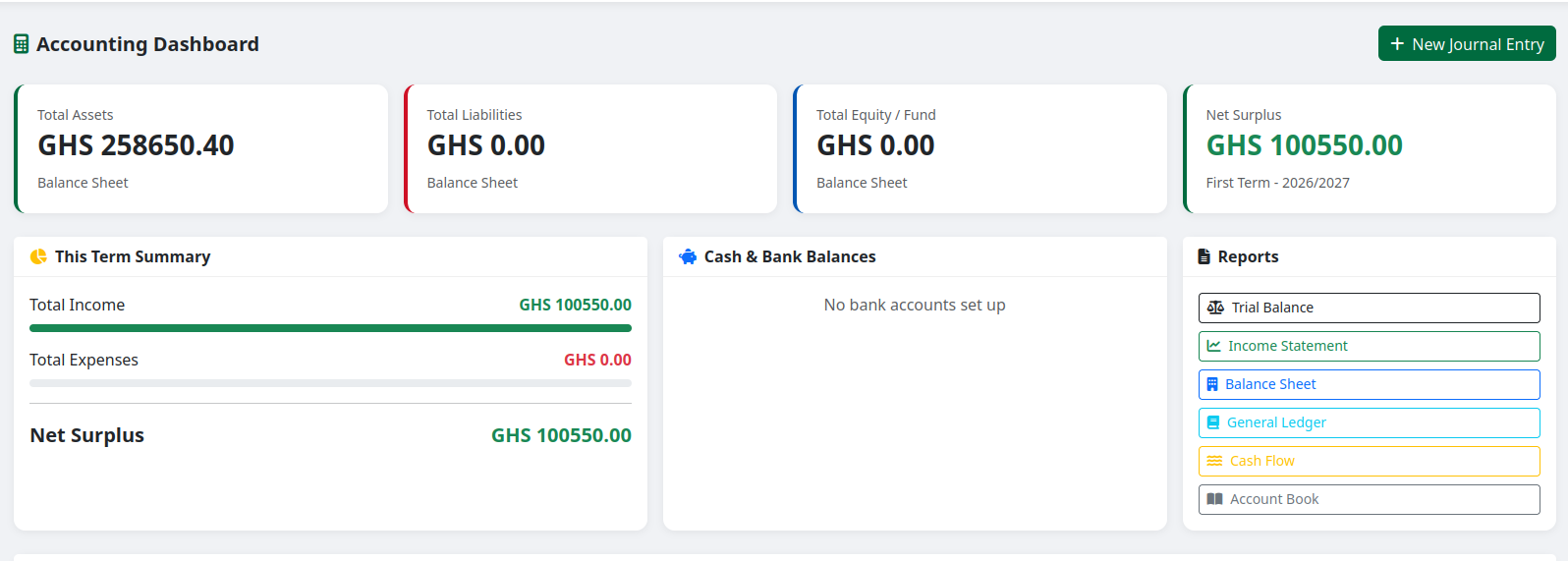
| Proper accounting | Income and expense lists, which an auditor will not accept as books. | ✓ A real chart of accounts, double-entry journals, trial balance and income statement — and fee payments post into the ledger by themselves. |
| Works without internet | ✗ Usually stops when the connection does. | ✓ Keeps working offline and syncs when the network returns — which matters on a Ghanaian school day. |
| Parents | Often an SMS blast, or nothing. | ✓ A portal per parent: balances, results, attendance, report books and receipts for their own children only. |
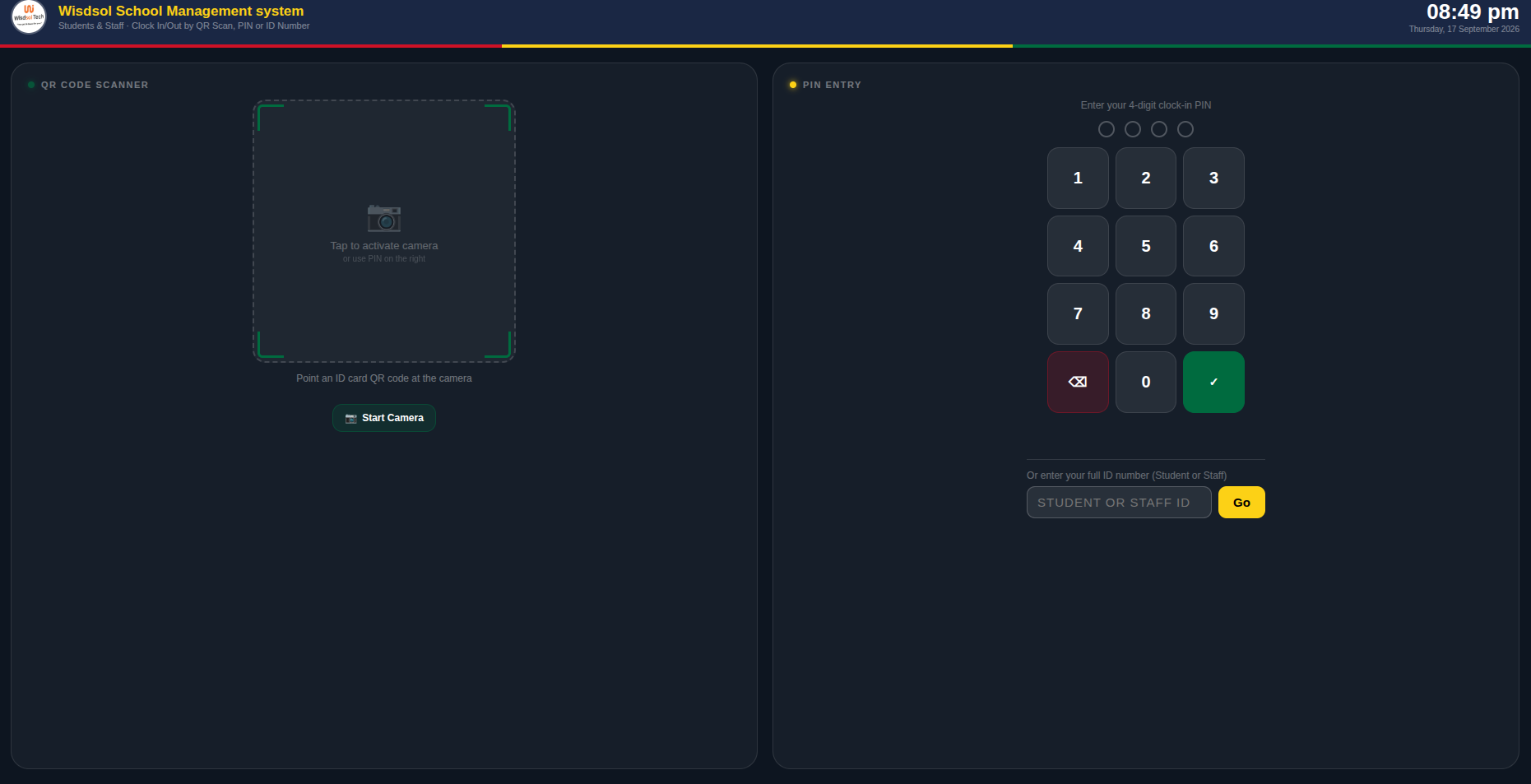
| Gate and attendance | A register marked in class, if at all. | ✓ QR and PIN clocking at the gate, or a fingerprint / face terminal that records arrivals with nobody typing. |
| Who can see what | A few fixed roles — admin, teacher. | ✓ Build your own roles and tune any one person's access with checkboxes. |
| Telling parents | A WhatsApp group the school hopes people read, or nothing. | ✓ Automatic SMS, WhatsApp or email when a payment lands, a balance is due, results are out or a child is absent — with every message logged, its cost tracked and opt-outs honoured. |
| Lesson notes | ✗ Exercise books carried to the head's office and back. | ✓ Written, submitted, returned with remarks or approved — with the full review history kept and approved notes locked. |
| Online tests | Sometimes a quiz, rarely marked automatically. | ✓ Pupils sit on screen; objective questions marked instantly, essays queued for the teacher, and the score stays provisional until they are done. |
| Online lessons | ✗ A link pasted into a group chat each morning. | ✓ Scheduled lessons with a private room created for you, joined from the pupil's portal, with the register filled in automatically. |
| Boarding | ✗ A bed list in a notebook and an exeat book at the gate. | ✓ Rooms and beds with the allocation rules enforced, an evening roll call, and an alert the moment a boarder is overdue back. |
| Library | ✗ A ledger book and a shelf of index cards, or a separate program nobody updates. | ✓ A full catalogue with lending, returns, renewals, overdue chasing and optional fines — and pupils and parents can see what they have out. |
| Store & inventory | ✗ Rarely included — usually a separate book, or a separate program nobody reconciles. | ✓ A full stock module: items, categories, suppliers, deliveries, stock levels and reorder alerts — and every book, uniform or exercise book issued is tied to the pupil who received it, free or paid. |
Several Ghanaian products fit GES well. Here is where we differ — and this is the comparison where the honest answer matters most.
Run the Cambridge Pathway or Montessori as first-class structures, not as a Ghanaian template with the labels changed.
Togo, Bénin, Côte d'Ivoire, Sénégal and beyond — the whole system in French, not a translated menu over an English structure.
Each campus keeps its own students, staff, fees and accounts — under one subscription and one login for the group owner.
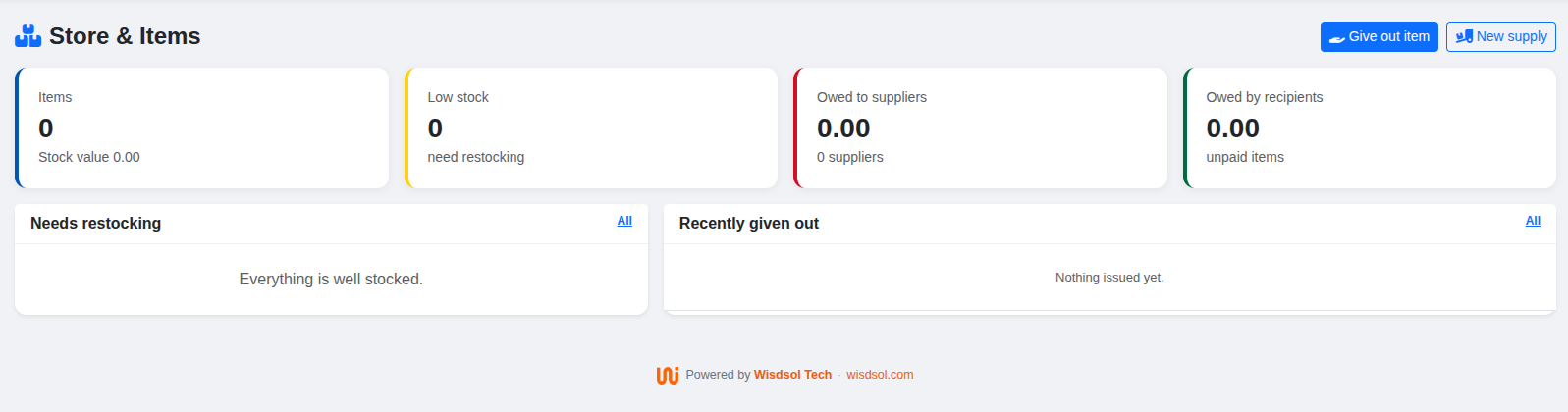
Most school software stops at fees and marks. But a school also buys exercise books by the carton, hands out uniforms, and owes a supplier at the end of the month — and that is usually tracked in a separate book that never matches the accounts.
Here it is part of the same system, so what left the store and what the parent was charged are the same record.
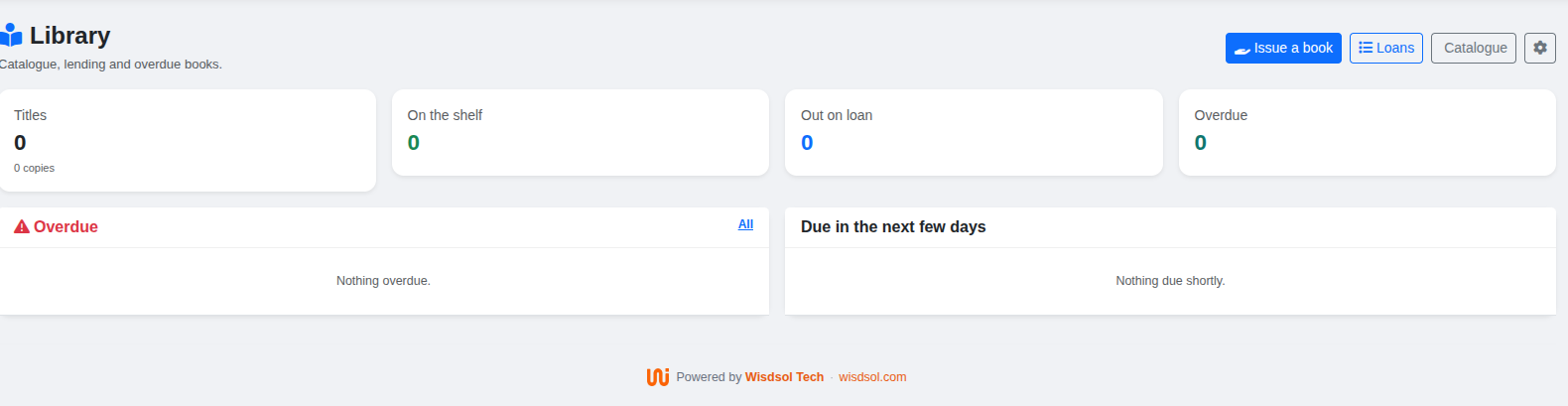
Register your schoolSchool libraries usually run on a ledger book: a pupil signs for a book, the page is never crossed off, and by the end of the year nobody knows what is missing or who has it.
Here, the number of copies on the shelf is counted from the loans that are actually out — it is never a stored figure that can drift. If the catalogue says two copies are in, two copies are in.
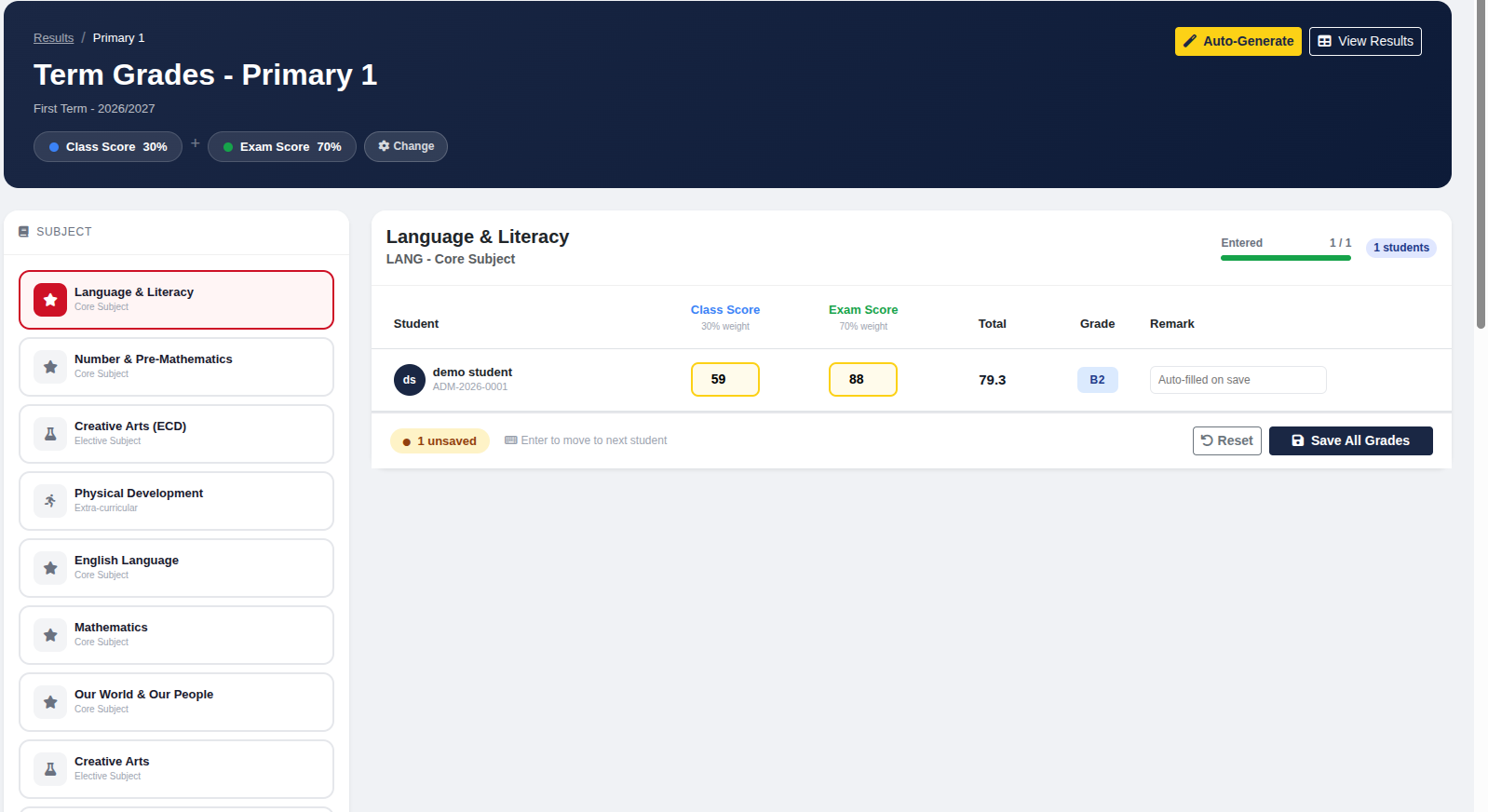
Most school systems stop at fees, marks and attendance — the things the office needs. These are the things a teacher needs.
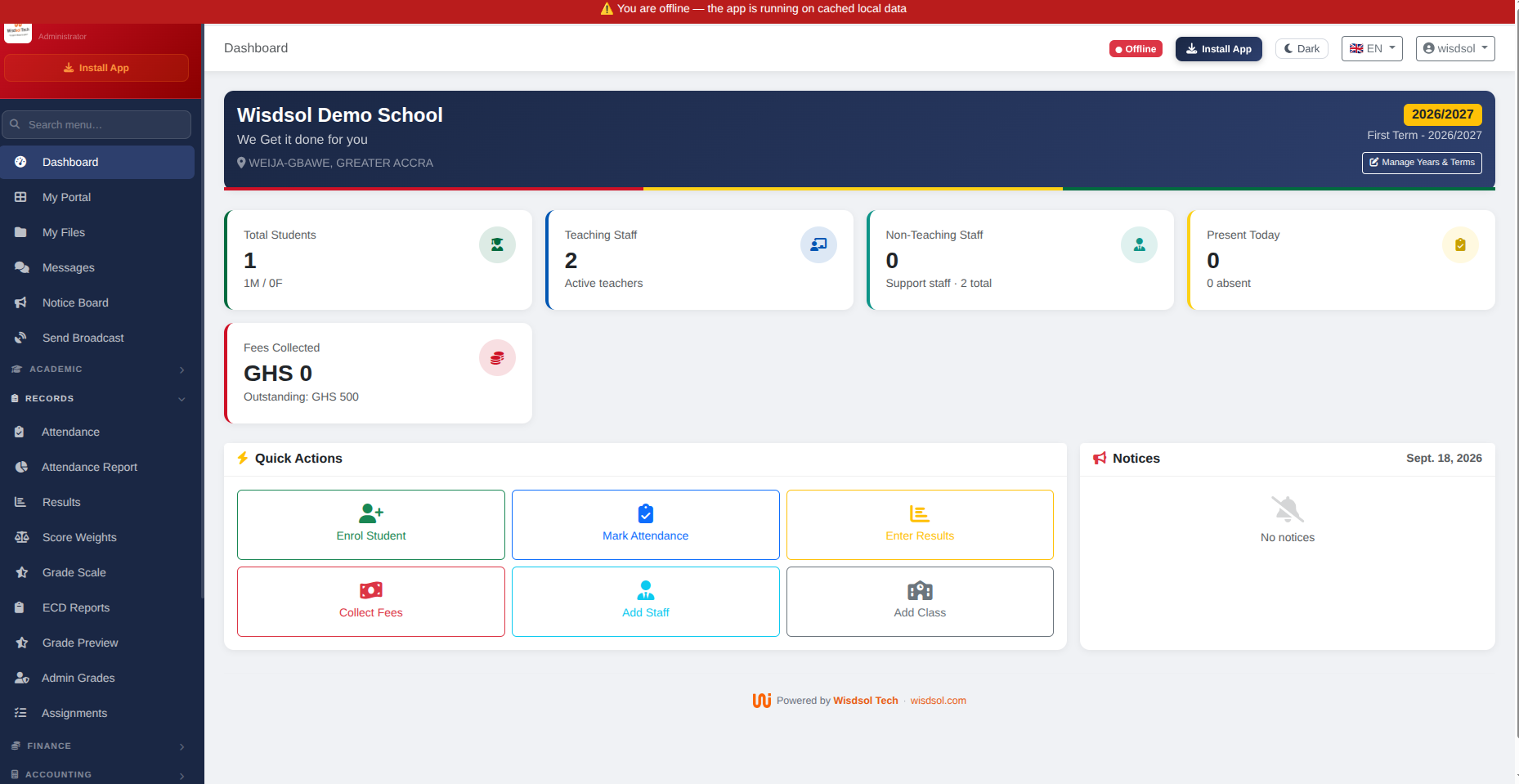
The path a school actually walks: bill the fees, take the money, mark the register, enter the marks, print the reports, and let parents see it.
static/img/compare/parent.png
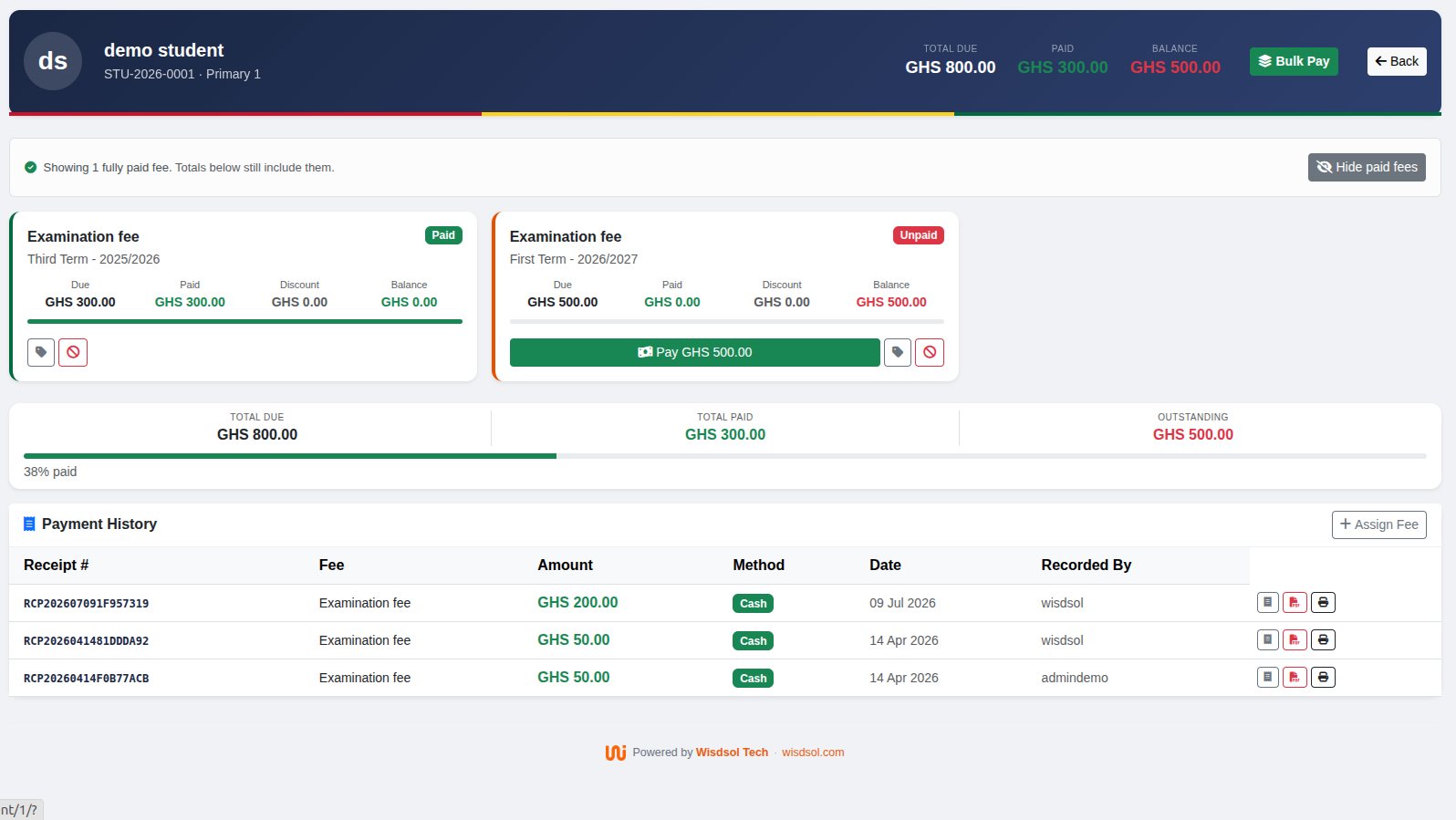
Each parent sees their own children only: balances, results, attendance, report books and receipts.
No setup fee, no charge per parent, and no commission on the fees you collect.
For most schools — everything in Starter plus accounting, payroll, assignments, report books, custom roles and data export.
For large schools and school groups — the complete platform, including certificates, the gate & visitor module and priority support.
For universities, polytechnics and colleges — programme cohorts, courses with credit hours, semesters and GPA or LMD grading, with the complete platform included.
Register and use it with one class for a term. If it does not make your term easier, you will know quickly and cheaply — which is a better test than any comparison table.